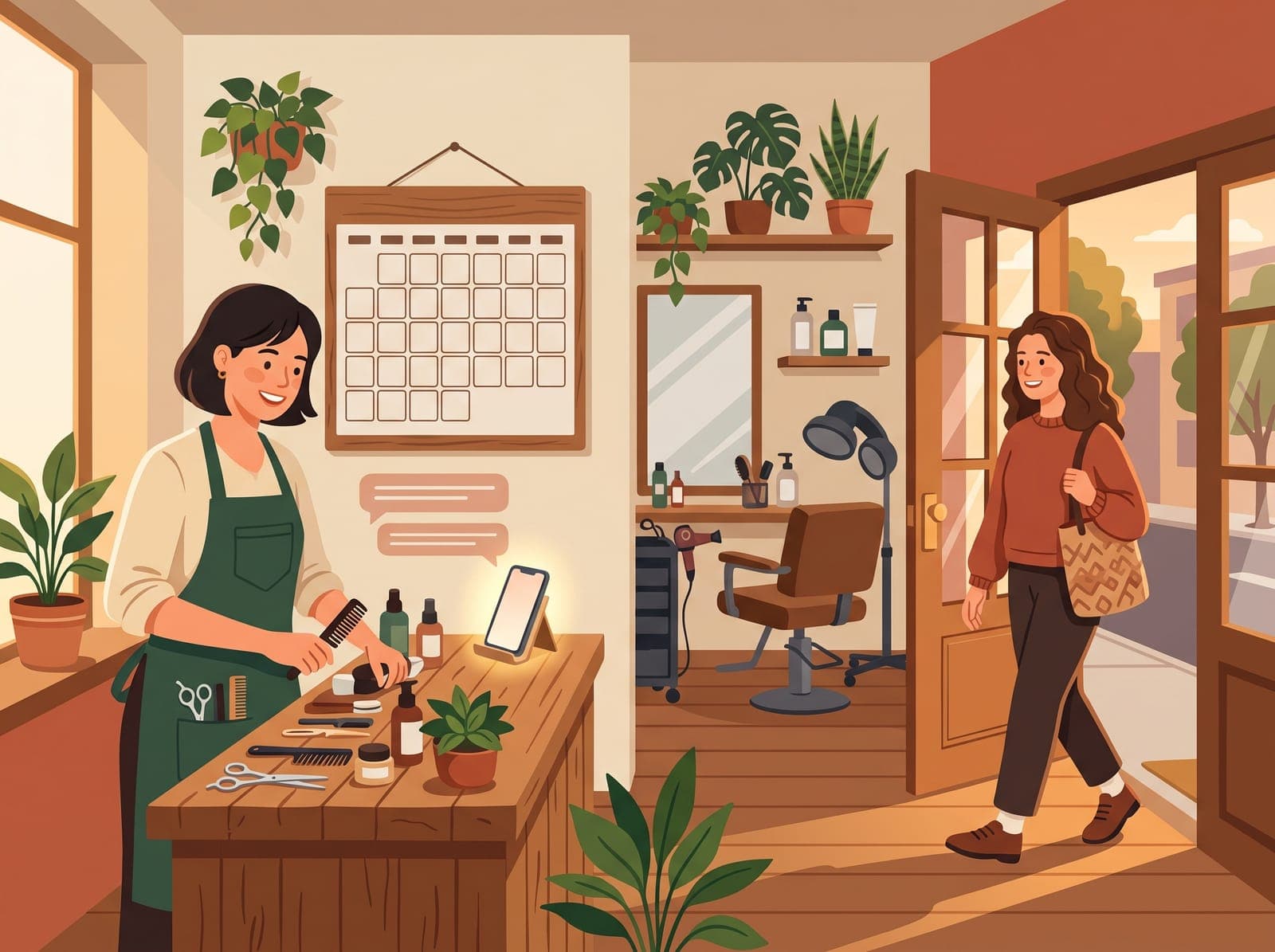
If your business runs on appointments, an empty slot is the most expensive kind of quiet. You prepped for it, you turned someone else away for it, and the person who booked it isn't coming. Here's the part that matters: they're almost never blowing you off. They're busy, the appointment was booked two weeks ago, and it simply fell out of their head.
That's why the fix isn't a stricter policy. It's a better reminder, and the difference comes down to one detail: the reminder has to ask for a reply.
Announcing isn't the same as asking
Most reminder messages just announce: "You have an appointment tomorrow at 2." That helps, but it treats every customer the same whether they're coming or not. A reminder that asks ("Reply YES to confirm, or call us to reschedule") sorts your whole day into two piles automatically. The confirmed ones you can stop thinking about. The silent ones are the risk, and now you know who they are while there's still time to call them or fill the slot.
See you tomorrow at 2 for your appointment with Dana. Does that still work?
Yes! See you then.
One text out, one word back, one slot saved.
The setup I recommend is short:
- A confirmation the moment someone books, so the details are in writing from day one
- A reminder the day before that asks for a reply, by text if you have their number
- A quick personal follow-up to anyone who hasn't replied by that evening
- A clear way to reschedule in the message itself, so canceling isn't embarrassing
That last item does more than people expect. Some no-shows happen because the customer knew they couldn't make it and felt awkward about calling. Give them a painless way out and the slot comes back to you a day early instead of dying quietly at 2 p.m.
You probably already own this switch
Before you shop for anything, open the booking tool you already use. Most of them can do this today. Square Appointments is a good example: the free plan includes automatic text and email reminders, and you can pick how far ahead they go out and edit what they say. The fee side of things (cancellation policies, charging for no-shows) is where Square moves you to a paid plan, but the reminder itself, the part that prevents most no-shows, costs nothing.
Whatever you write in the message, keep it sounding like you. Name, time, place, how to reschedule, and the ask. Skip the legalese. A reminder that reads like a note from a person gets replies; one that reads like a terms-of-service update gets ignored.
If your booking app has the switch and you want help wiring it to the rest of your day (your calendar, your customer list, the follow-up for the silent ones), that's exactly the kind of small job I like: have a look at how I approach it.